Why put the certificate on the phone
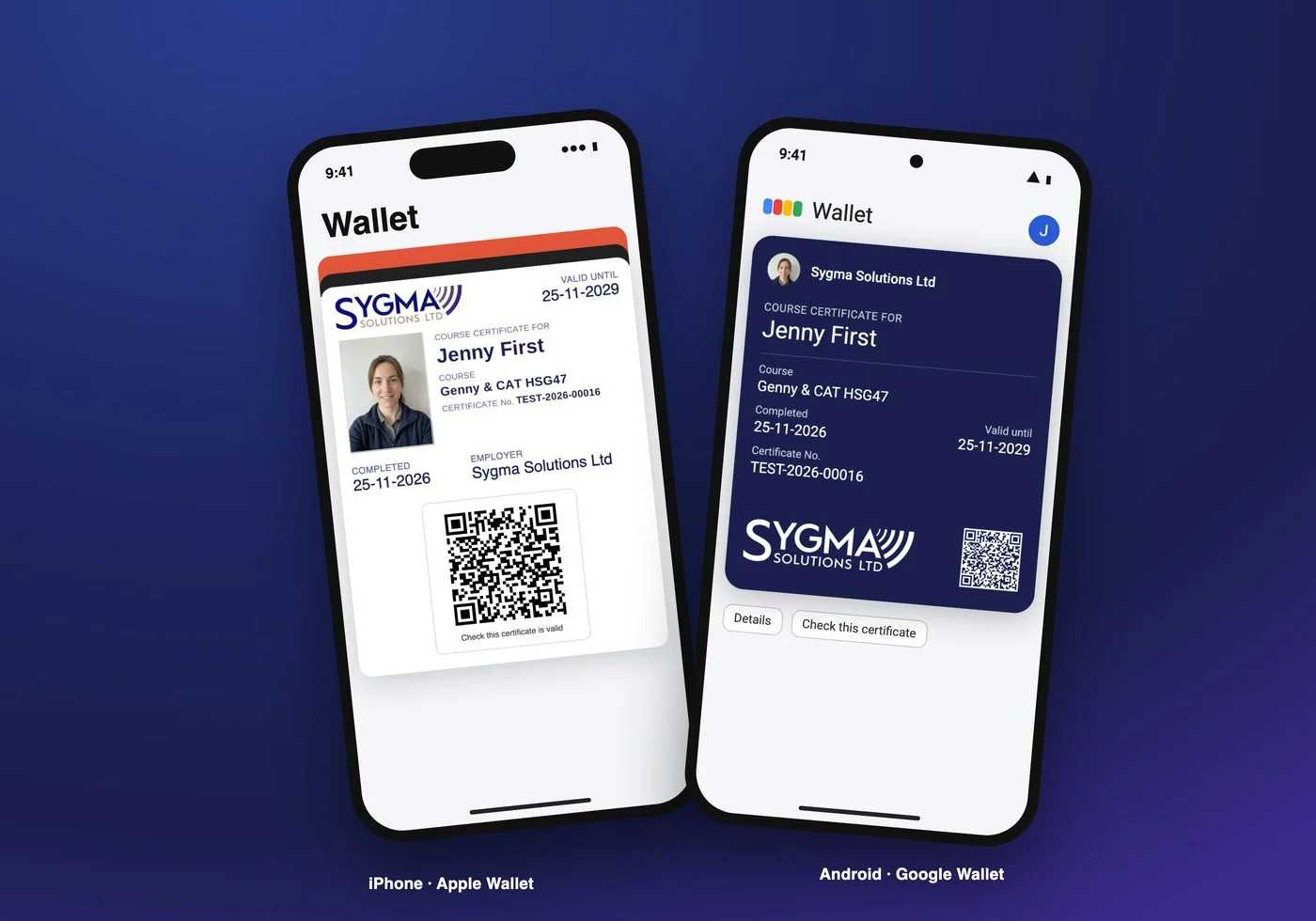
A paper certificate stays in a drawer, and a PDF is easy to edit. A card in the phone’s wallet is always to hand, and its code checks against Sygma’s own records every time it is scanned.
Checked live
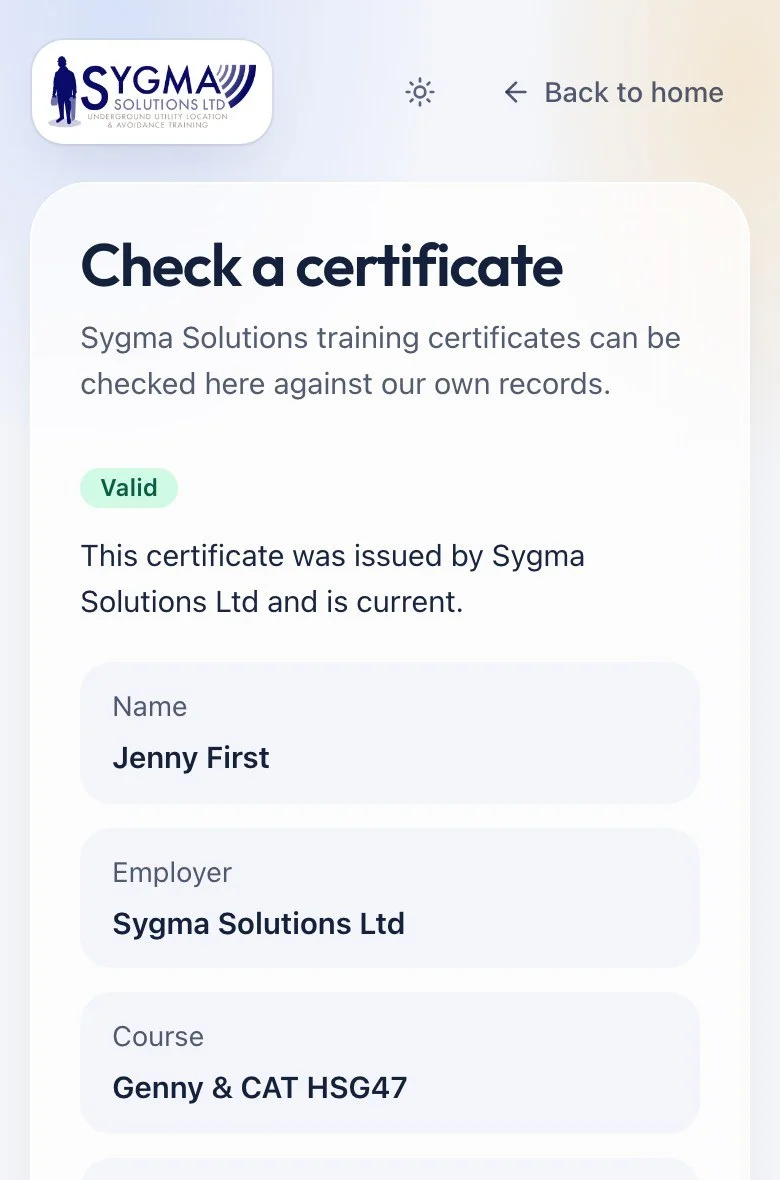
Anyone on site scans the code and sees Sygma's own record of the certificate, straight away. No phone calls, no emails, no waiting for the office.
Can't be faked
The check comes from our records, not from the card, so an edited picture or a copied PDF fails the scan.
Always with them
In the phone's wallet next to their bank cards. No paper to lose, forget in the van or get wet on site.
With their photo
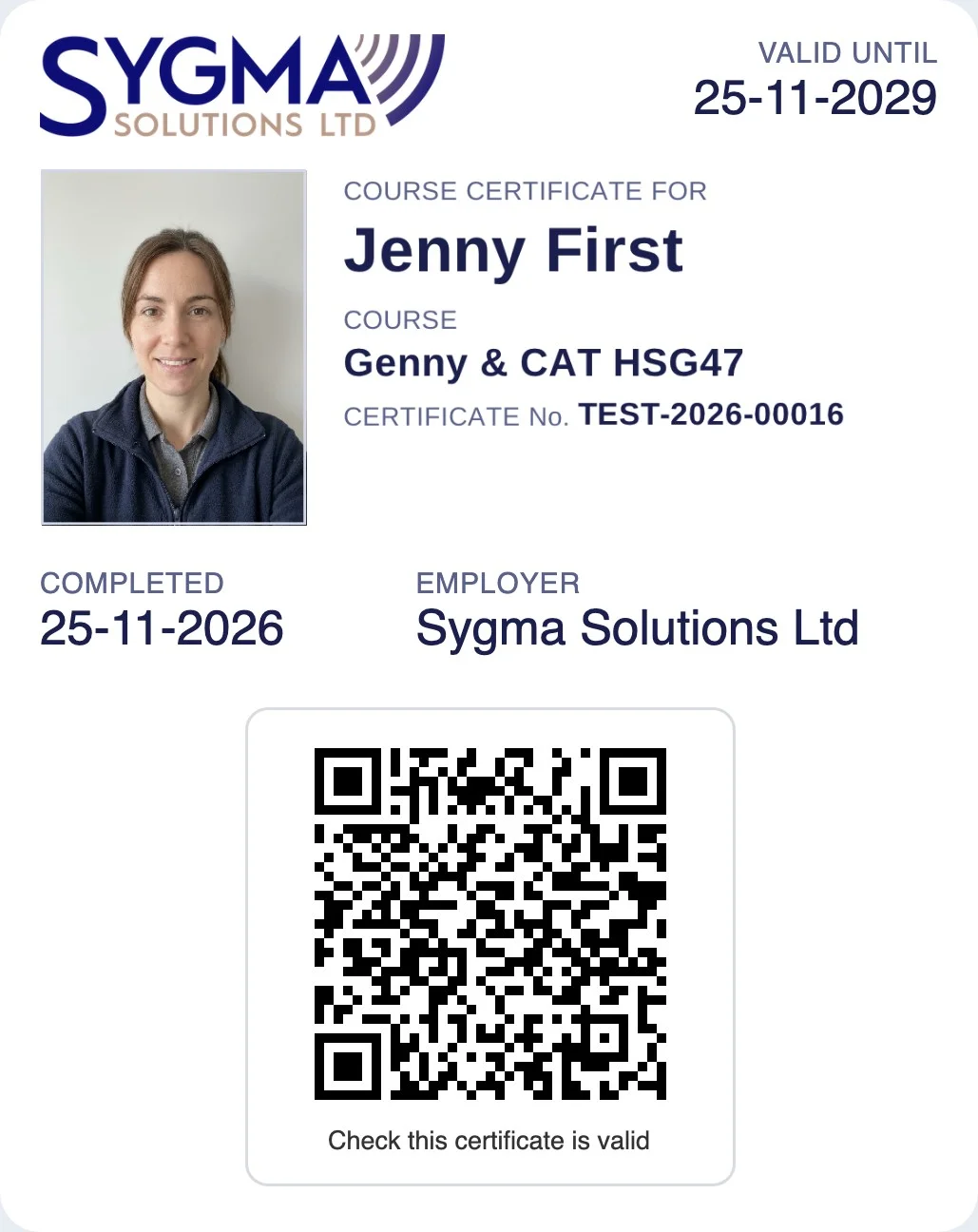
Choose the photo card and the holder's face is on it, so whoever checks it can see the certificate is theirs.
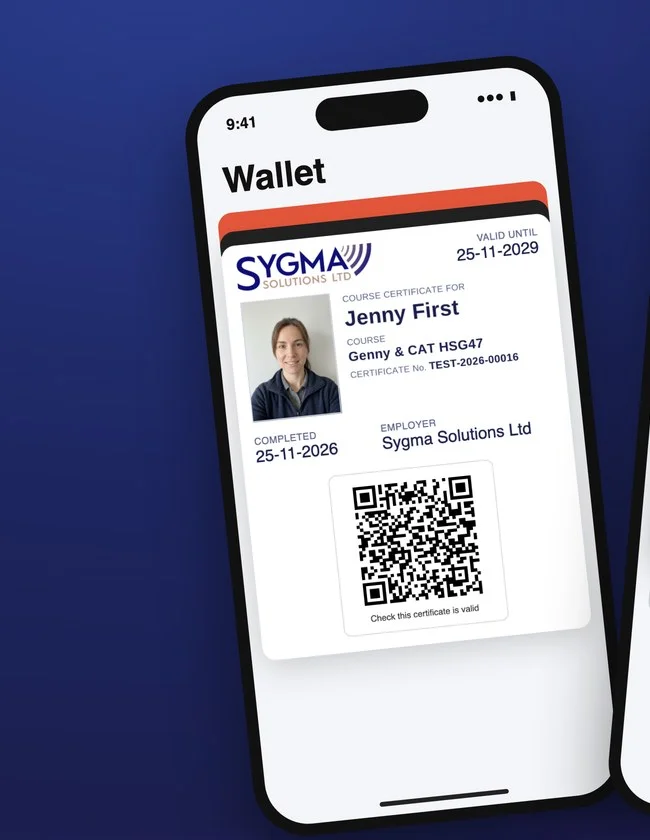
What is on the card
Who it is for.
The holder's name, and their photo on the photo card.The course.
The course, the date they completed it and the date it is valid until.The number.
The certificate number, the same as on the PDF.The check code.
A code that opens Sygma's live check page.On the back.
What the course covered, a link to the full course agenda, and our phone number.
It never shows a date of birth, or anything the certificate itself does not.
How your team get it
1. Pick it when you book
On any course with a Sygma Certified certificate, the booking asks which card option you want: No thanks, Yes without a photo, or Yes with their photo.
2. We take the photo on the day
If you chose the photo card, each person's photo is taken when they sign in at the start of the course. Nothing to send us.
3. One link after the course
With the certificates email, the booker gets one link to pass to the team. Nobody needs to give us their email address.
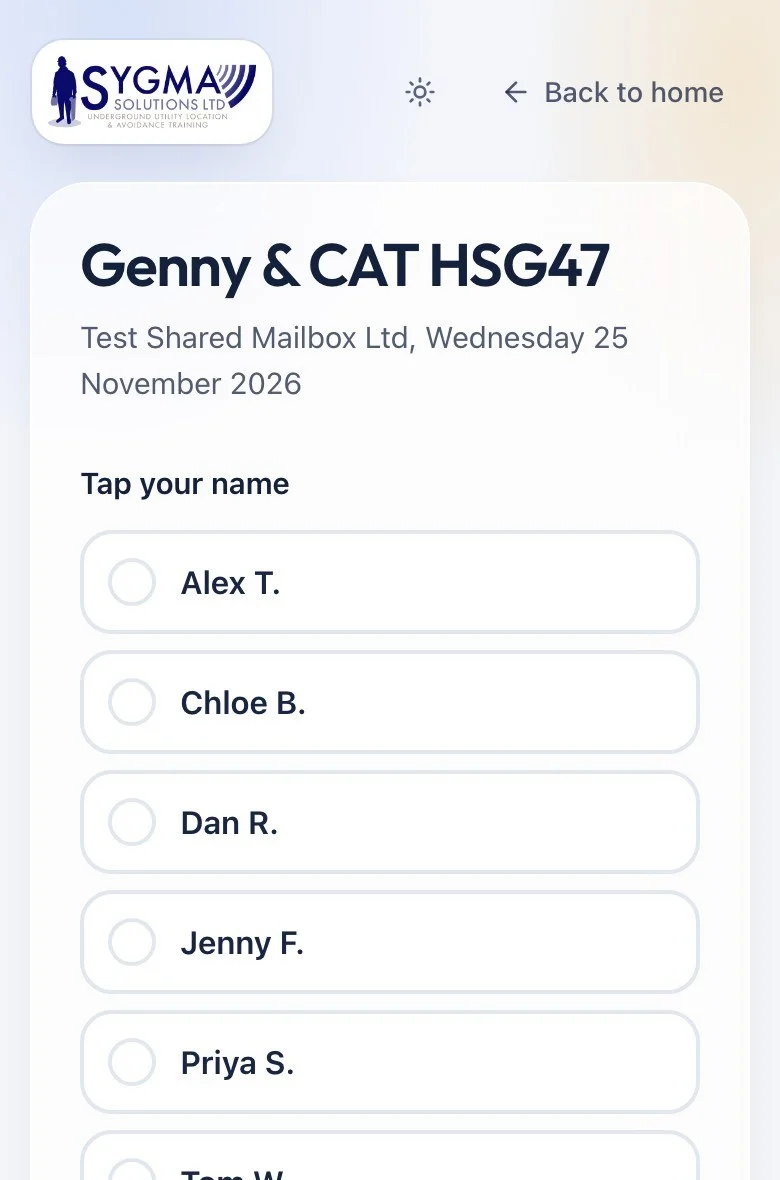
4. Tap, type, add
Each person opens the link, taps their name, types their surname and adds the card to Apple Wallet or Google Wallet.

Want it on your next course?
The card is there on every course that carries a Sygma Certified certificate, and the PDF certificate still comes as before. Pick the card option when you book or accept your dates on the portal, or ask us and we will add it for you.
Courses with a Sygma Certified certificate include CAT and Genny Training and HSG47 Training.